




Started By
Message
Tech question
Posted on 12/14/21 at 6:16 pm

Posted on 12/14/21 at 6:16 pm
Can you post a picture from mobile? If so someone have a link to a tutorial?
 3
3

Posted on 12/14/21 at 6:20 pm to AllDawgCK
Yes. Copy link. Click “img.” Paste link. Change name if desired. Submit.
Posted on 12/14/21 at 6:23 pm to IT_Dawg
What if it's a picture that I saved from twitter? Would the link thing still apply?

Posted on 12/14/21 at 6:26 pm to AllDawgCK
Download imgur app.
Take pics with imgur or upload stored pics to imgur. ALWAYS MARK PRIVATE when the option pops up.
From there, I can tell you how to post them with iphone, but I don't know if it works the same on other devices. I know it's different on my desktop than on my iphone. If you have android or some other phone type then instructions might be slightly different.
Take pics with imgur or upload stored pics to imgur. ALWAYS MARK PRIVATE when the option pops up.
From there, I can tell you how to post them with iphone, but I don't know if it works the same on other devices. I know it's different on my desktop than on my iphone. If you have android or some other phone type then instructions might be slightly different.
This post was edited on 12/14/21 at 6:27 pm


Posted on 12/14/21 at 8:51 pm to AllDawgCK
The Twitter photo has an img url as well, meaning you don’t have to save it at all.
But you have to open the image separately than the post, if that makes sense.

Just touch the photo
On iPhone, Once you open the image, hold your finger down on the image for a second or so and then hit copy

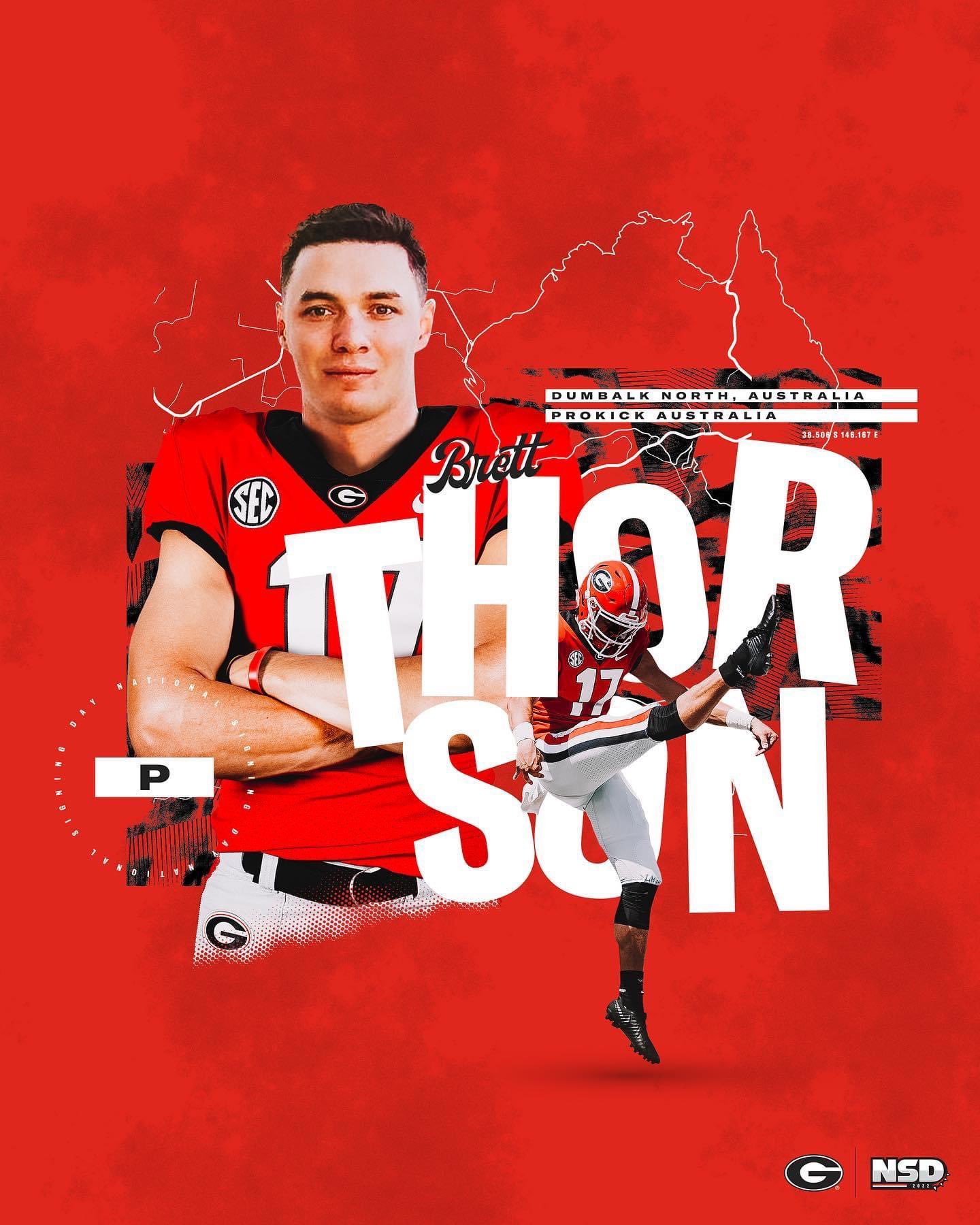
But you have to open the image separately than the post, if that makes sense.
Just touch the photo
On iPhone, Once you open the image, hold your finger down on the image for a second or so and then hit copy

Posted on 12/15/21 at 6:38 am to AllDawgCK
Yes Tech sucks
45-0
45-0

Posted on 12/15/21 at 7:58 am to dhuck20
Hold the phones.
We FINALLY got us an Aussie punter?
We FINALLY got us an Aussie punter?

 Page 1 of 1


Latest Georgia News
Popular
Back to top
 Follow SECRant for SEC Football News